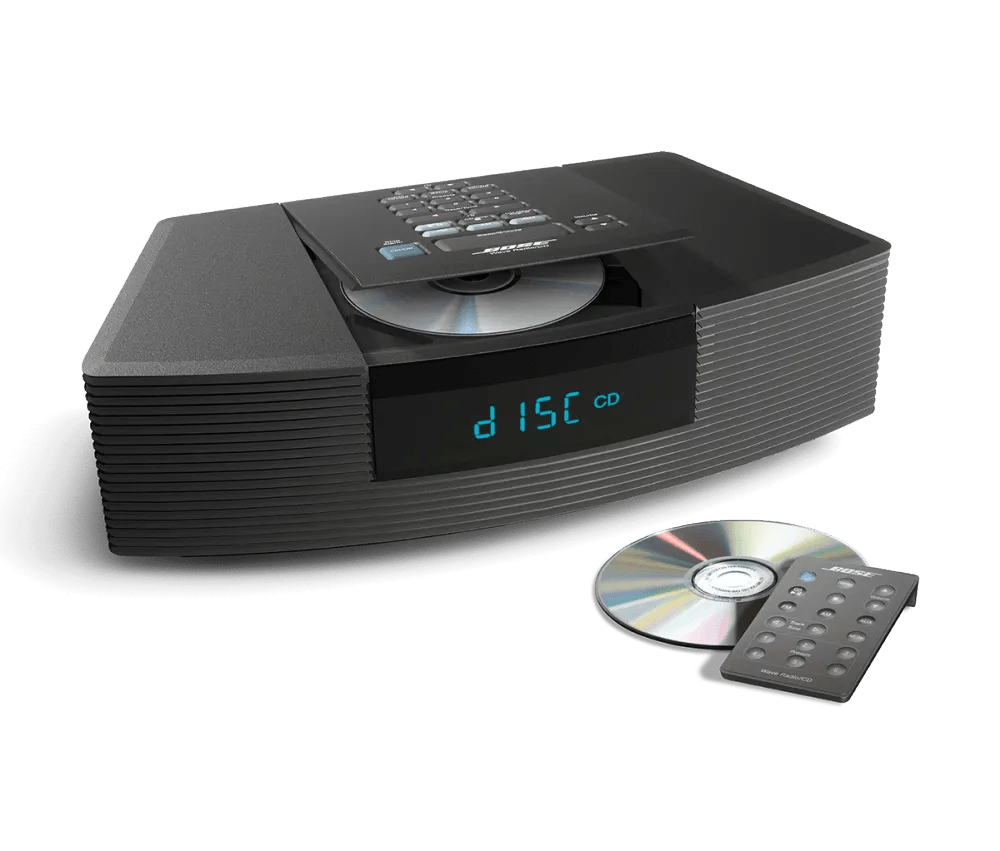


Be sure the power connections to your product are secure both to the AC (mains) outlet and to your product.
The battery may not have sufficient power for the remote control to operate properly.
Use a coin to remove the battery cover on the back of the remote control. Replace the battery with a new CR2032 (or DL2032) battery. Place the battery with the positive (+) side facing out of the battery compartment, then reattach the battery cover and turn it clockwise to lock it in place.
Keep new and used batteries out of reach of children.
If the outlet is controlled by a wall switch, be sure the switch is on. You can also verify if the outlet works by connecting another electronic device, such as a lamp. If connected to a power strip (or surge protector), try bypassing the power strip and plug the power cord directly to a wall outlet.
Much like rebooting a smartphone, your product might need to be reset on occasion to correct minor issues. For more information, see Resetting your product.
.png)
